Welcome to the PCFC Community
(Fill out the information below to join)
Important Login Information
After joining PCFC, the system will automatically send an email with instructions to create your password and access your account.
In some cases, email providers such as Gmail, Outlook, Yahoo, or company email systems may delay or filter automated login emails. This is outside of PCFC’s control and can occasionally happen with any online platform.
If you do not see your login email within a few minutes:
Check your Spam, Junk, or Promotions folder.
Make sure the email address used during registration was entered correctly.
Use the “Forgot Password” option on the PCFC login page to request a new access email.
If the email still does not arrive, please use the Contact link in the footer of the website and we will work with the platform support team to help restore access.
We want your experience inside PCFC to be smooth and helpful, and we will do our best to assist if an email delivery issue occurs.
Join the PCFC community
Start Phase 1 today.
FREE No credit card required.
No pressure.
No hype.
Just steady progress.
First name (or nickname) and email.
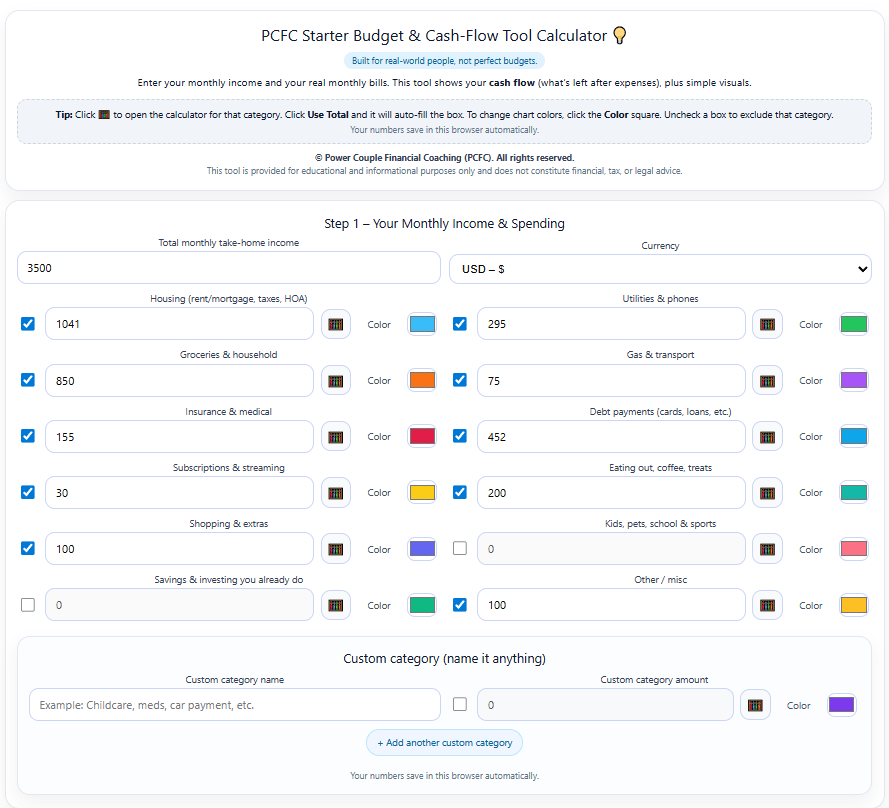
Tool Inside of Phase 1